START - Register a New Account
Getting started with ForCaptcha is simple and straightforward.
All you need to do is create a free account and choose the plan that best suits your needs.
To begin, visit our website and follow these steps to create your account:
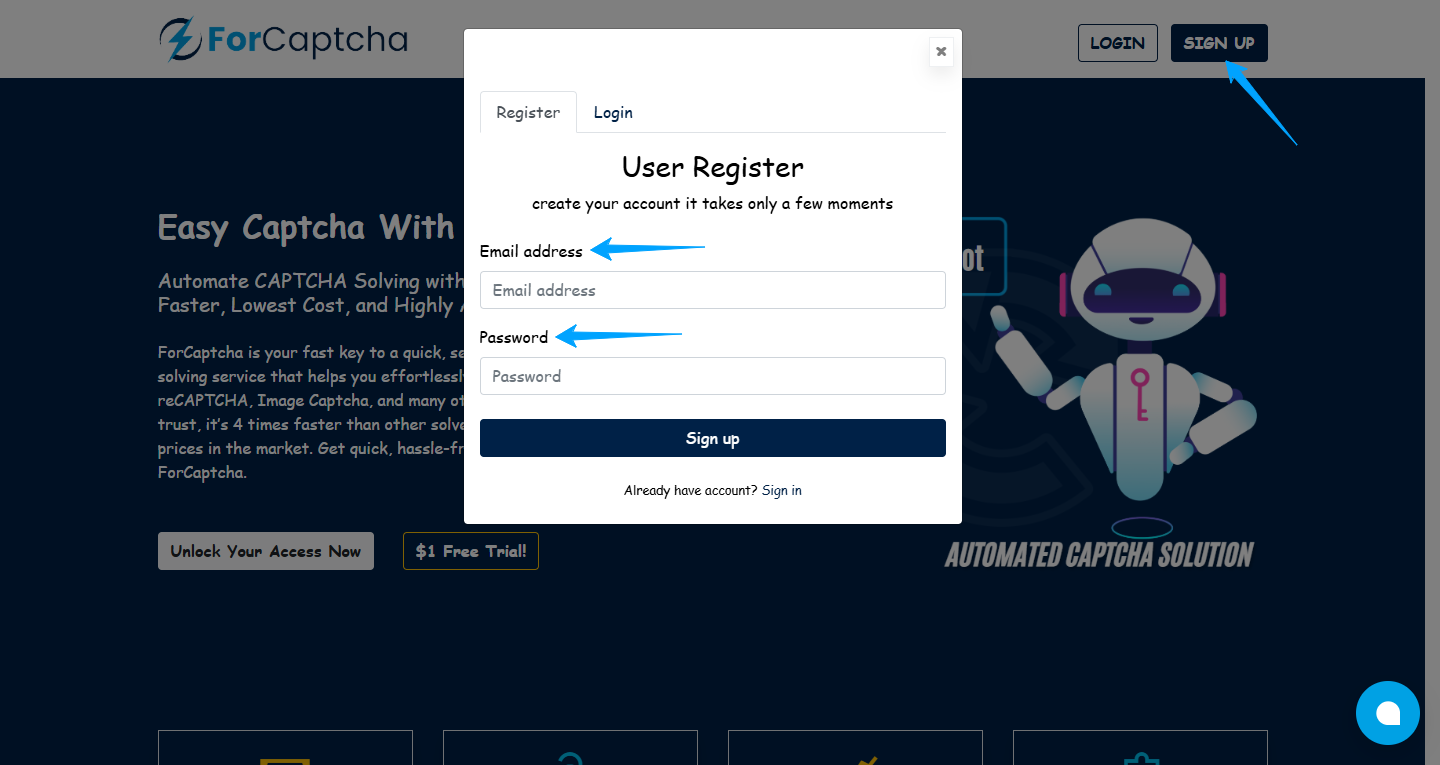
- Go to the homepage and Click on the "SIGN UP" option.
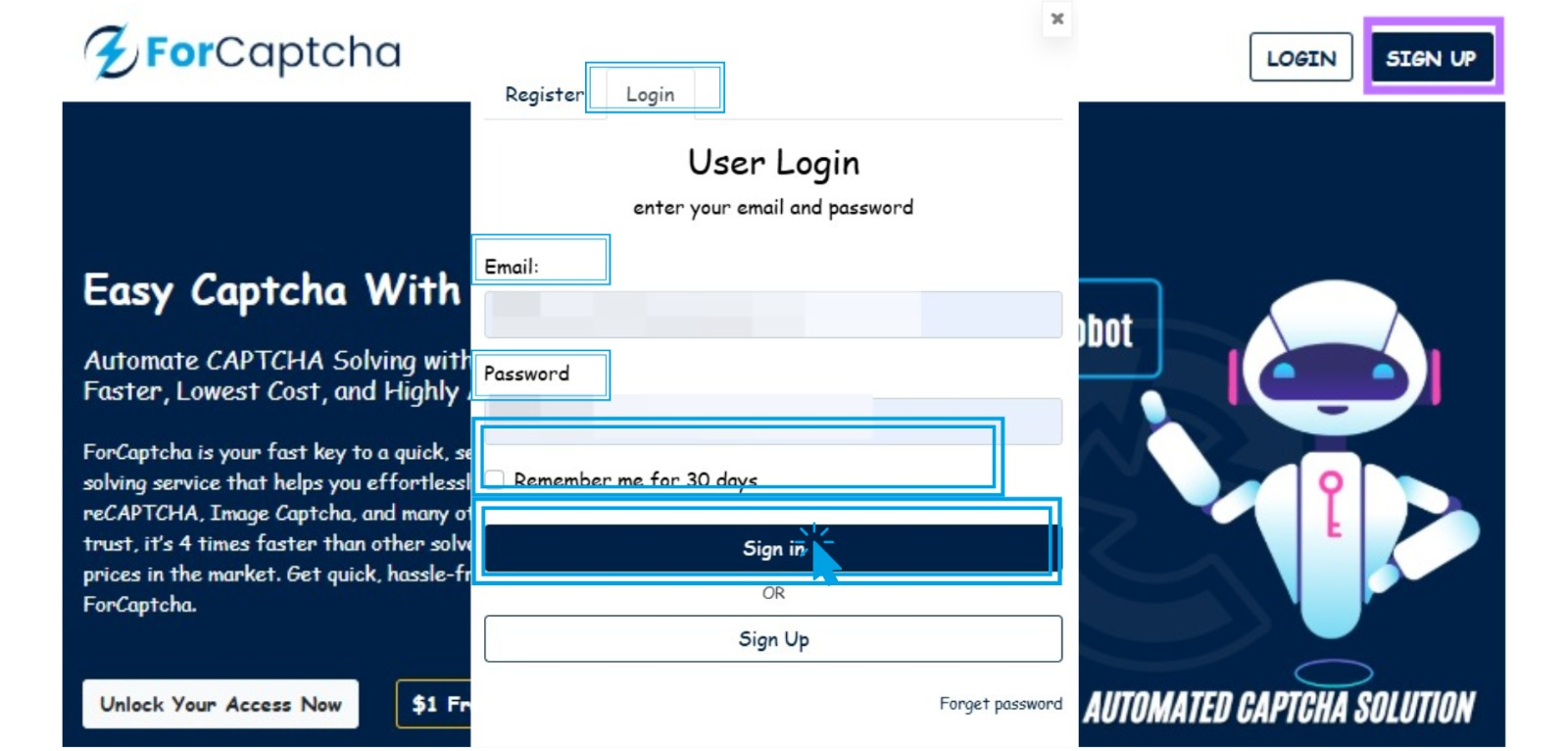
2. Enter your email address and password to start setting up your account.
We’ll then send a verification email to your inbox.
**After confirming your account, you can explore our CAPTCHA services or access your **Dashboard to view your account and CAPTCHA details.